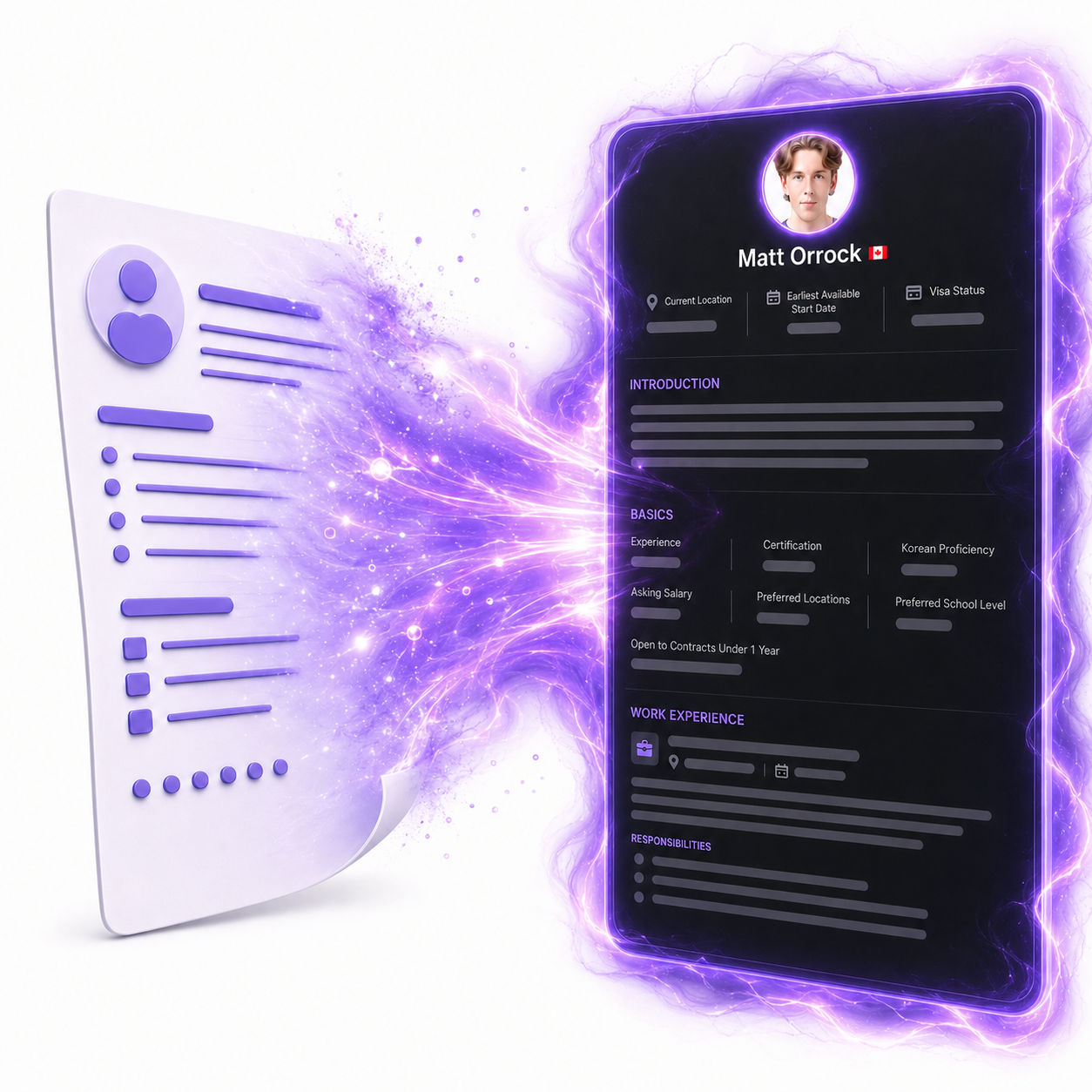
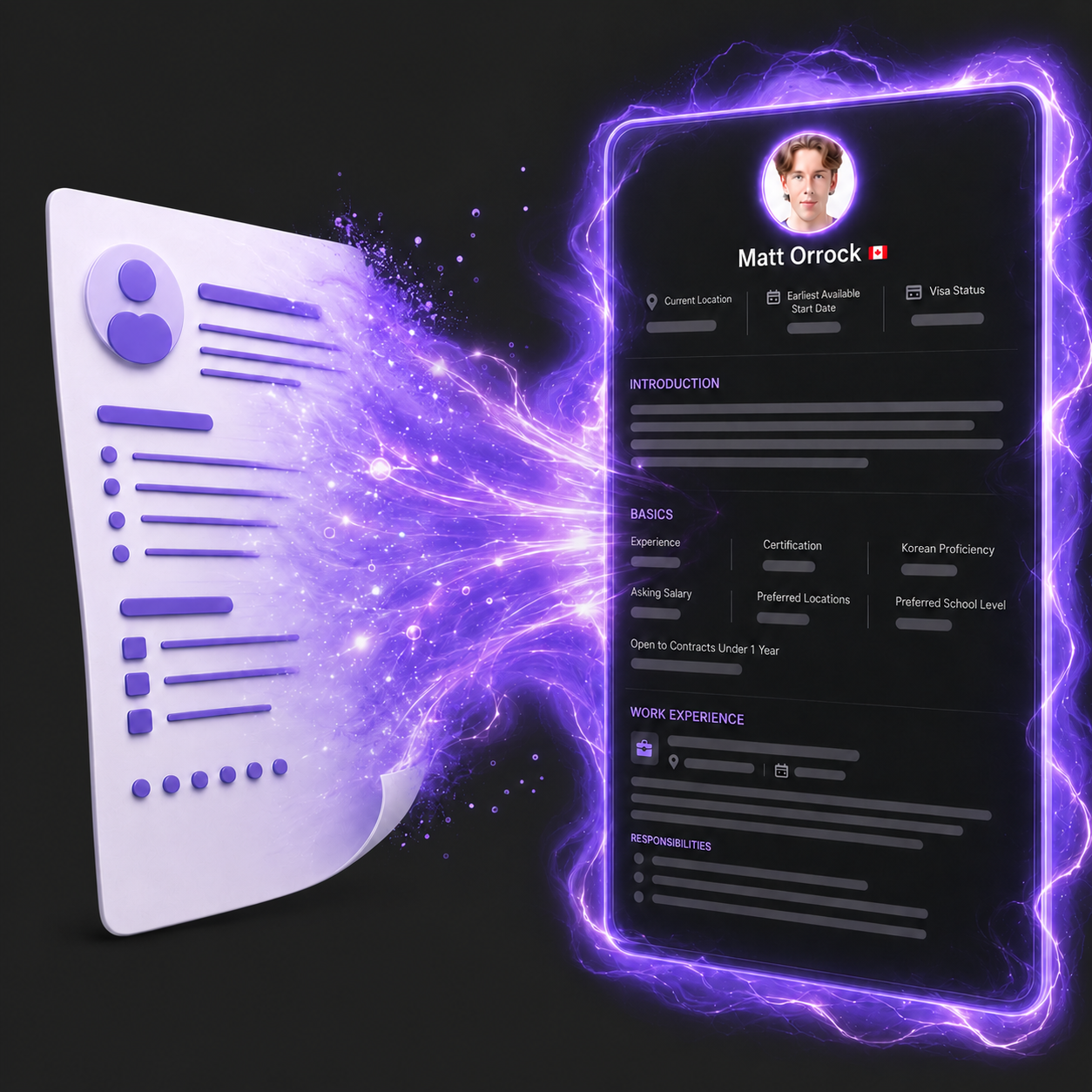
Upload a PDF, DOCX, or text resume from the resume builder.
If you already have a resume, you can use it as a starting point instead of typing everything again.
AI fills in your Snapgrade resume and helps tailor it for Korean ESL jobs.
AI will pull in the key details and help shape them into a clearer, Korean ESL-focused resume.
Shareable resumes now have Save as PDF and print options.
After import, review the sections, make any edits, and publish when it looks right. You can also save or print your shareable resume as a PDF.